The Big News
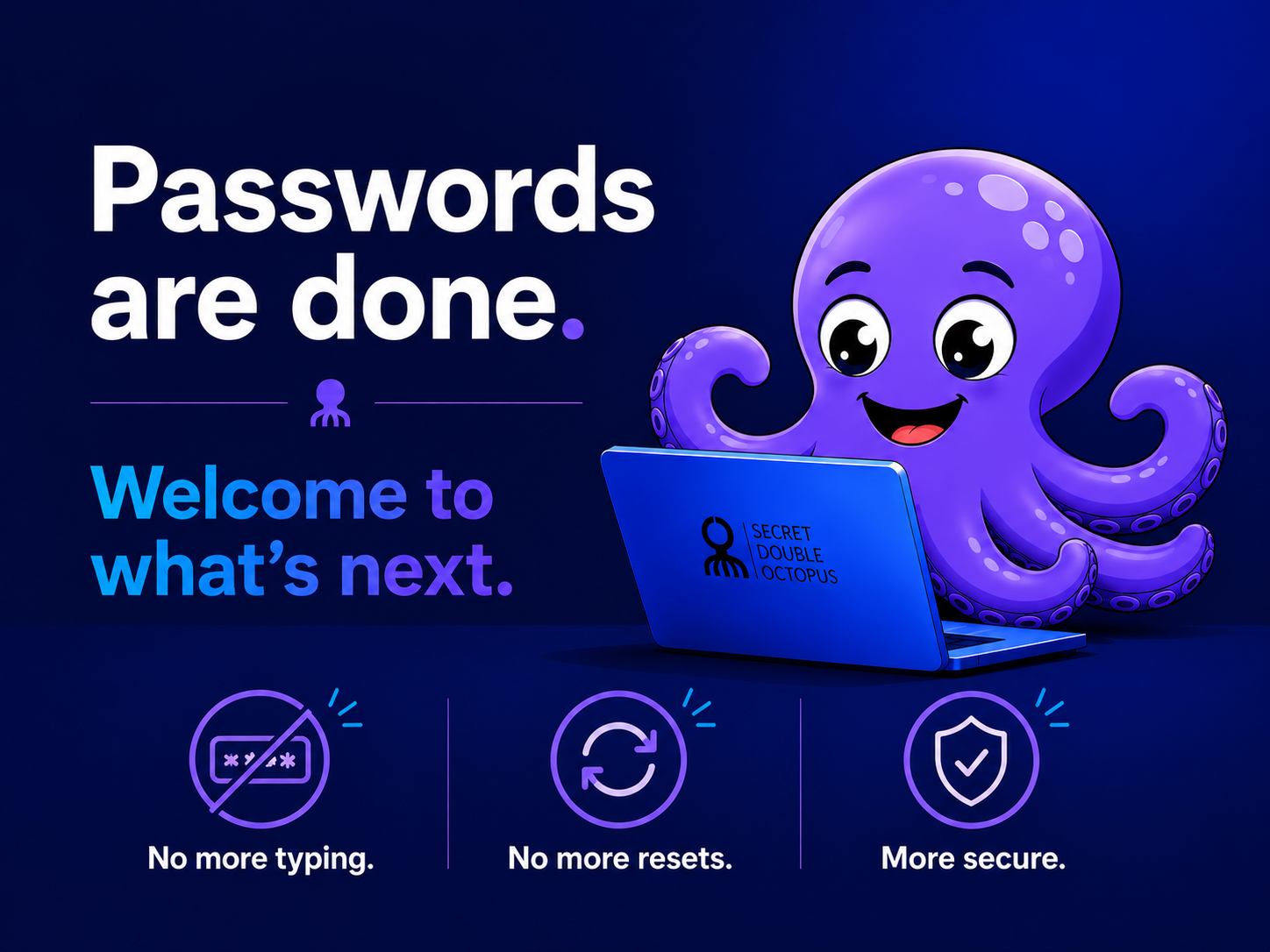
Passwords are going away. Logging in will no longer require typing a password at all. Instead, you will approve your login with a simple tap.
What You'll Do Instead
Just tap Approve on your phone using the Octopus Authenticator app. Think of it like Face ID for your work login. One tap, and you're in.
If you were issued a security key instead of using the app, simply insert or tap that key when prompted.
No More
- No more forgotten passwords
- No more password resets
- No more typing anything in
What Stays the Same
Your username, your apps, and your daily workflow. None of that changes. If it worked before, it still works. You're just skipping the annoying part.
One Thing to Do Beforehand
Install the Octopus Authenticator app from the enrollment email you'll receive. It takes about 2 minutes. If you were issued a security key instead, that works too, no app needed.
Quick Questions, Quick Answers
Lost my phone? Contact your IT support team right away so they can help secure your account.
No internet or offline? The app still works without wifi in most cases.
Is this safe? Safer than a password. There's nothing to steal and nothing to guess.
Forgot to install the app? No problem. Just do it before your next login.
Bottom Line
One less thing to remember. One less way to get locked out. Logging in just got simpler.
Questions? Reach out to your IT support team.